

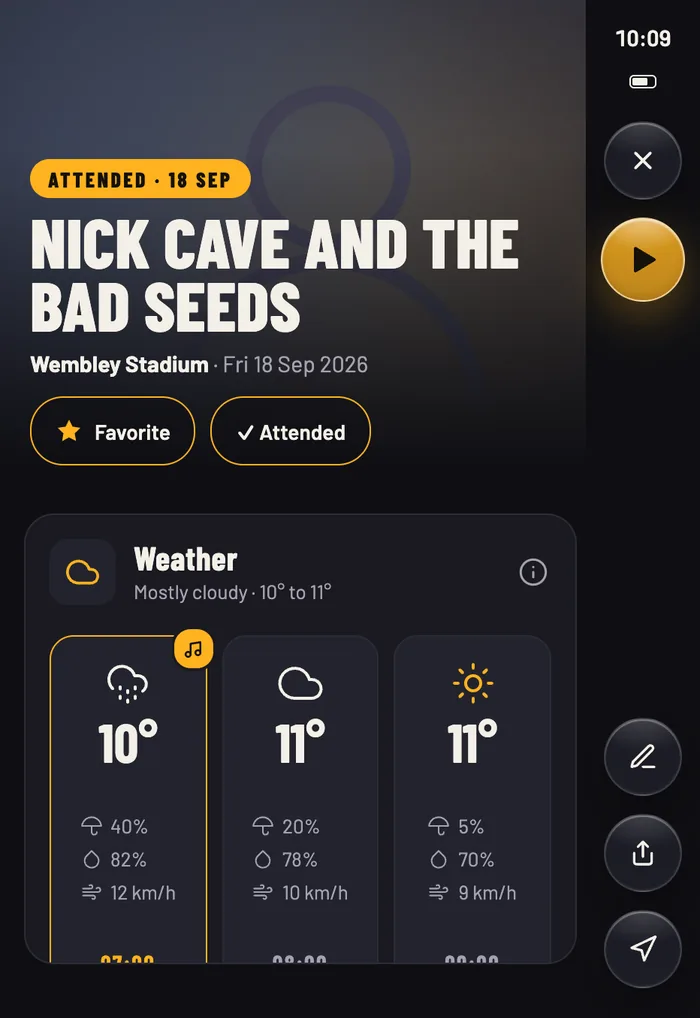
Start with the details that identify the show
Record the artist, date and venue first. If there were support acts or several festival performances, keep enough detail to distinguish the sets you actually saw.
For older shows, look through calendar entries, ticket emails and photo dates. If you cannot confirm a detail, keep a note of the uncertainty rather than treating a guess as a fact.
Keep the things a ticket cannot tell you
Photos and notes bring a concert record to life. Write down who you went with, where you stood, a favourite song or a moment you want to remember. Concert Craze keeps photos, notes and documents alongside the show.
Setlists and playlists help you return to the music. Apple Music powers Concert Craze’s concert playlists; availability and playback depend on Apple Music and your subscription.
Give upcoming shows a place too
Add the concerts you are looking forward to, then check their dates and venues before the night. Countdown widgets keep an upcoming show on your Home Screen.
After the concert, return to the entry to add your memories while they are fresh. A short note the following morning is often more useful than trying to reconstruct the whole night months later.
Build a habit, then explore your history
Start with a few favourite shows and keep adding new ones. If you already maintain a spreadsheet, use CSV import to bring your existing history into Concert Craze.
As your diary grows, explore your concert statistics and charts: the artists you have seen most, the venues you return to and how your live music life changes from year to year.
Questions about this guide
What information should I keep for each concert?
Start with the date, artist and venue so you can identify the show later. Add support acts, a setlist, photos, ticket documents and a short note when you have them. An incomplete record is still useful if you clearly note any uncertain details.
How should I record a festival in my concert diary?
Decide whether you want entries for each set, each day or the event as a whole, then use that approach consistently. Record the artists you actually saw and distinguish the dates, so your diary and statistics remain easy to interpret.
Keep your next concert in Concert Craze
Free to download for iPhone and iPad, with an Apple Watch companion. Some features require Pro; see the App Store for compatibility and current purchase options.
Download on the App Store (opens in a new tab)